
Audit Trial in ASP.NET Core Web API and EF Core
Introduction
"Who changed this record?" is a question that comes up eventually on every real system - for compliance, for debugging, or for the support ticket where a customer swears they never touched a setting. Adding logging calls by hand to every create, update, and delete is both tedious and unreliable: the one place someone forgets is the one place you needed it.
This video builds an audit trail that is automatic. You mark the entities you care about with an interface, override SaveChangesAsync on the DbContext, and let the EF Core change tracker tell you exactly what is about to be written. Every insert, update, and delete produces an AuditTrail row with the entity name, the action, the old and new values, a timestamp, and the acting user. The demo is a .NET 10 movies API using EF Core, Identity, and JWT.
🎬 Watch the full video here:
Opt in with a marker interface
Not every table needs auditing. An empty marker interface lets each entity declare that it does:
public interface IAuditable { }

public class Movie : IAuditable { /* ... */ }
public class ApplicationUser : IdentityUser<int>, IAuditable { /* ... */ }
The DbContext then only audits entities that implement it, so you never pay to track things you do not care about.
The audit record
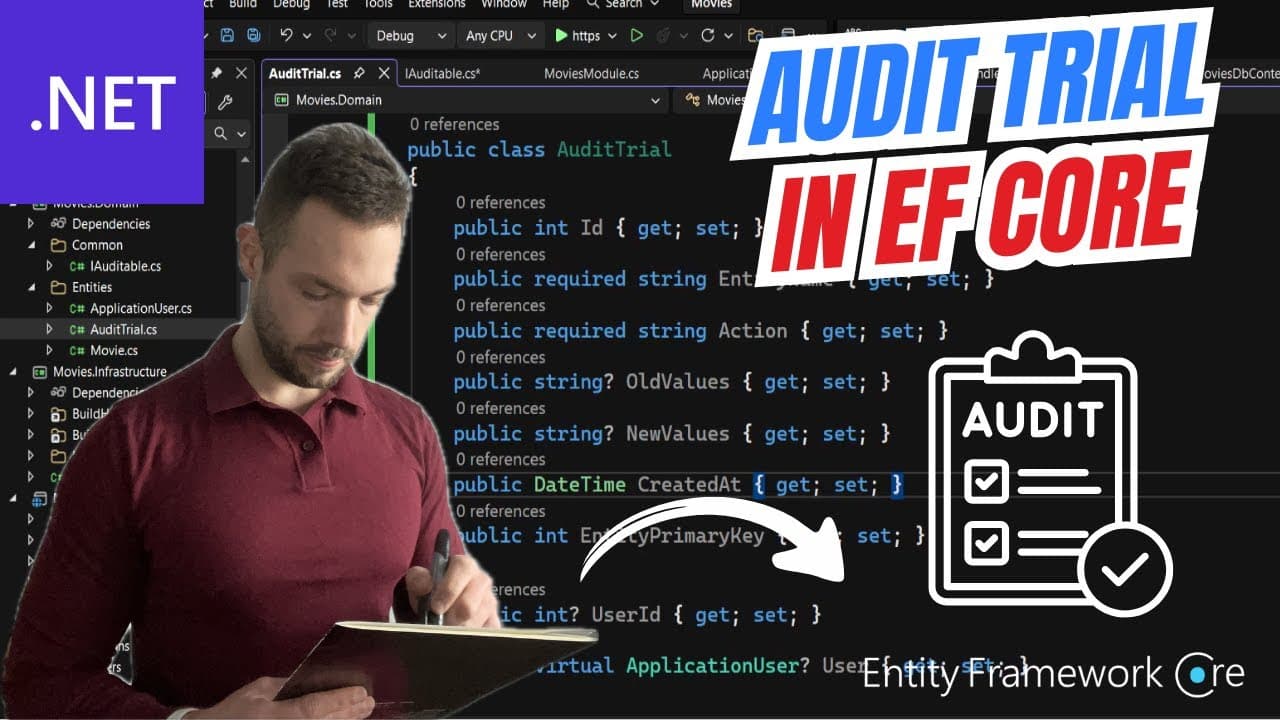
public class AuditTrail
{
    public int Id { get; set; }
    public required string EntityName { get; set; }
    public required string Action { get; set; }     // Insert / Update / Delete
    public string? OldValues { get; set; }          // JSON
    public string? NewValues { get; set; }          // JSON
    public DateTime CreatedAt { get; set; }
    public int EntityPrimaryKey { get; set; }
    public int? UserId { get; set; }
}
Storing the changed values as JSON dictionaries keeps the schema generic - one table audits every entity type, and you do not need a column per audited field.
Overriding SaveChangesAsync
This is the core. Before calling base.SaveChangesAsync, you inspect the change tracker:
var entries = ChangeTracker.Entries()
    .Where(e => e.Entity is IAuditable
        && e.State is EntityState.Added or EntityState.Modified or EntityState.Deleted)
    .ToList();
For each entry you build an AuditTrail, reading:
entry.Stateto decide the action.property.OriginalValuefor the "before" value.property.CurrentValuefor the "after" value.property.IsModified(onModifiedentries) so you only record fields that actually changed, not every column.
Added entries record only new values, Deleted entries record only old values, Modified entries record both for the changed properties.
The generated-key problem, and the two-phase save
For an insert, the primary key does not exist yet when you are inspecting the change tracker - the database generates it. So the demo saves in two phases:
- Add the audit rows and call
base.SaveChangesAsync(). Now the inserted entities have real keys. - Copy those keys onto the corresponding audit rows and save once more.
It is a small extra round trip, and it is the price of capturing the real key of a newly-inserted row in the same operation.
Stripping sensitive properties
An audit trail that logs PasswordHash, SecurityStamp, or a refresh token in plain JSON is a security incident waiting to happen. The demo keeps a denylist and skips those properties entirely:
private static readonly HashSet<string> SensitiveProperties = new(StringComparer.OrdinalIgnoreCase)
{
    "PasswordHash", "SecurityStamp", "ConcurrencyStamp",
    "RefreshToken", "AccessToken", "NormalizedEmail", "NormalizedUserName"
};
Auditing ApplicationUser is exactly why this matters - Identity entities are full of fields you must never persist a copy of.
Getting the current user
The user id comes from the request, via IHttpContextAccessor and the NameIdentifier claim on the authenticated principal. If there is no authenticated user (a background job, an anonymous endpoint, a seeding run), the audit row records a null user rather than failing.
var userIdClaim = _httpContextAccessor.HttpContext?.User.FindFirstValue(ClaimTypes.NameIdentifier);
Injecting IHttpContextAccessor into a DbContext is a slight smell but a common and pragmatic one for this feature. The alternative is a small ICurrentUser service that the context depends on instead.
Common pitfalls
DateTime.UtcNow.AddHours(3). The demo does this to get a local timestamp; store UTC and convert on display instead, or timezone bugs follow you forever.- Auditing everything. Without the marker interface, you audit Identity's own bookkeeping writes and drown the table.
- Logging sensitive values. Always maintain the denylist, and review it whenever you add auditing to a new entity.
- Forgetting the key capture. If you read the PK before the first save, inserts get key
0. DbContextused outside a request.IHttpContextAccessor.HttpContextis null in background work - handle it, do not assume a user.- Serializing navigation properties. Audit scalar properties only; serializing a whole object graph into
NewValuesexplodes.
Key Takeaways
- Mark auditable entities with an empty
IAuditableinterface so auditing is opt-in. - Override
SaveChangesAsyncand walkChangeTracker.Entries()to see exactly what will be written. - Use
OriginalValue/CurrentValue/IsModifiedto record before-and-after values for changed fields only. - Store old and new values as JSON so one generic table audits every entity type.
- Capture generated primary keys with a two-phase save.
- Strip sensitive properties with a denylist - critical when auditing Identity entities.
- Resolve the current user from the request via
IHttpContextAccessorand tolerate its absence.
Get the Full Source Code
The complete runnable solution - the marker interface, the DbContext override with value capture and the two-phase save, the sensitive-property filter, and the movies API with Identity and JWT - is available to Patreon supporters. If you want to make edits and watch the audit rows appear instead of rebuilding it from the walkthrough above, you can find it on Patreon.