
.NET Saving Logs In Azure Application Insights - Serilog
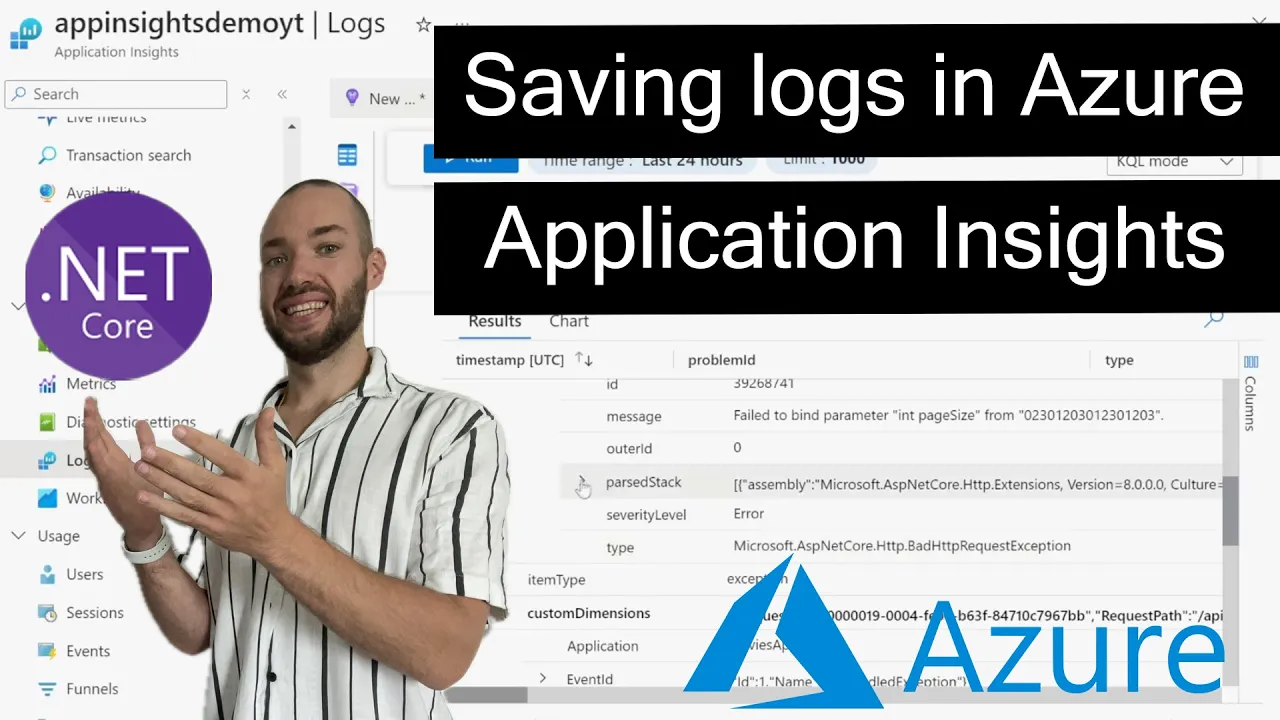
Introduction
Console.WriteLine debugging works fine until the app is deployed somewhere you can't tail a console - a container that restarts, an App Service instance that scales to three copies, a serverless function that only exists for the duration of one request. This video wires Serilog into Azure Application Insights, so logs survive restarts, are queryable across every instance, and carry structured fields instead of flat text.
🎬 Watch the full video here:
Serilog as the logging pipeline, Application Insights as the sink
Serilog replaces the default ILogger provider but keeps the same ILogger<T> injection everywhere in the app - the only thing that changes is where the logs end up:
builder.Host.UseSerilog((context, services, configuration) => configuration
    .ReadFrom.Configuration(context.Configuration)
    .WriteTo.Console()
    .WriteTo.ApplicationInsights(
        services.GetRequiredService<TelemetryConfiguration>(),
        TelemetryConverter.Traces));
Both sinks run side by side - Console() for local development, ApplicationInsights() for the deployed environment - so nothing about existing _logger.LogInformation(...) calls throughout the codebase has to change.
Structured logging, not string concatenation
The difference that actually matters once logs are searchable rather than scrollable:
logger.LogInformation("Order {OrderId} placed by {UserId} for {Amount:C}", orderId, userId, amount);
This isn't string interpolation - {OrderId}, {UserId}, and {Amount} become queryable fields in Application Insights, not just text baked into a message. The Kusto query traces | where customDimensions.OrderId == "12345" finds every log line touching that order across every request and every instance, something a $"Order {orderId} placed" interpolated string can never support after the fact.
Correlating logs with requests automatically
Application Insights automatically stitches together an incoming HTTP request, every log written during that request, and any outgoing dependency calls (a database query, an HTTP call to another service) under one operation ID. Opening a slow or failed request in the Azure portal shows every log line and dependency call for that single request, in order - without you writing any correlation logic yourself.
Log levels control cost, not just noise
Application Insights bills on ingested data volume, so LogLevel.Debug shipped from every request in production is both noisy and a real line item on the Azure bill. A appsettings.Production.json override tightening the minimum level, while keeping Debug locally, is worth setting up from day one:
"Serilog": {
  "MinimumLevel": {
    "Default": "Information",
    "Override": { "Microsoft.AspNetCore": "Warning" }
  }
}
Common pitfalls
- String-interpolating log messages instead of using message templates. You lose the structured, queryable fields entirely.
- Shipping
Debug-level logs to production Application Insights without realizing it's a cost driver, not just noise. - Not setting a sampling rate on high-traffic endpoints, which can make ingestion costs spike unexpectedly.
- Forgetting the connection string differs per environment. Local dev and production point at different Application Insights resources.
- Missing the correlation between logs and the request they belong to by not letting the SDK's automatic instrumentation do its job.
Key Takeaways
- Serilog's
ApplicationInsightssink can run alongsideConsole(), so local logging behavior doesn't change while production logs ship to Azure. - Message templates (
{OrderId}), not string interpolation, are what make log fields queryable in Application Insights. - Application Insights automatically correlates logs, requests, and dependency calls under one operation ID.
- Tune minimum log levels per environment - ingested volume is what Application Insights actually bills on.
Get the Full Source Code
The complete runnable solution - the Serilog + Application Insights wiring and the environment-specific log level configuration - is available to Patreon supporters. If you want structured logging shipping to Azure instead of rebuilding it from the walkthrough above, you can find it on Patreon.