
Insane performance boost in EF core using bulk operations
Introduction
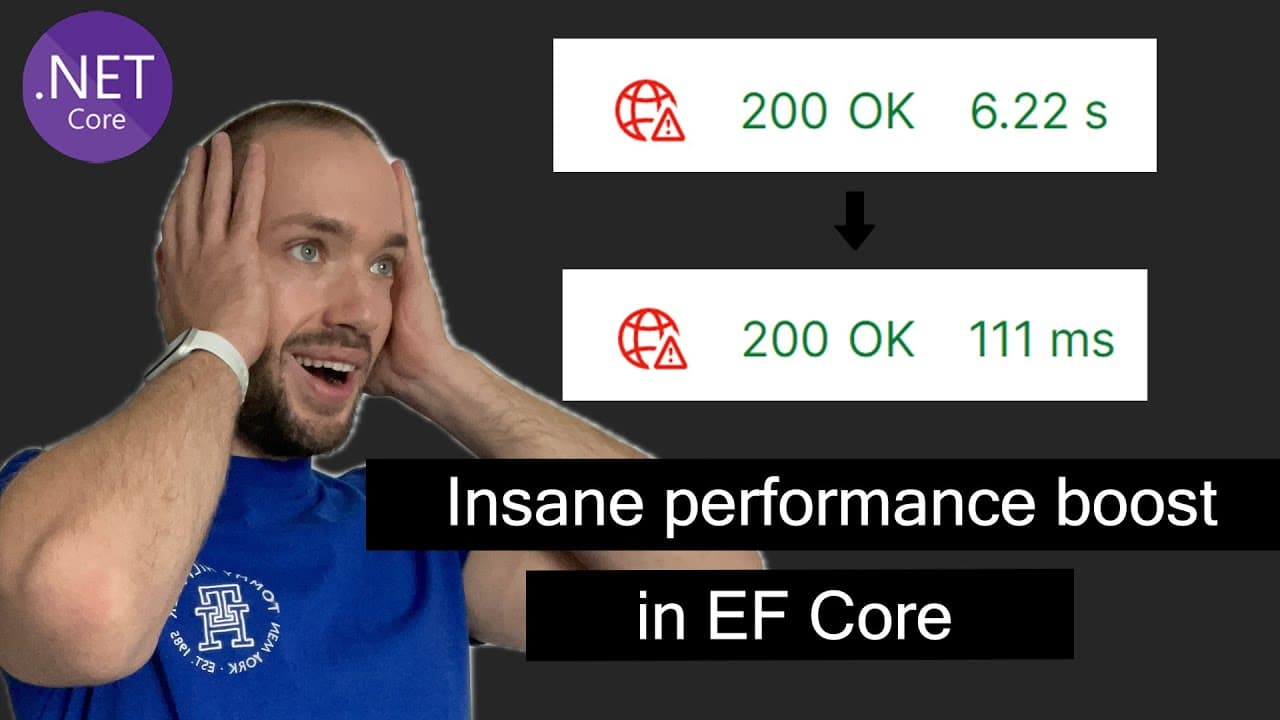
You need to raise the price of every product in a category by 10%. The instinctive EF Core code loads every matching product into memory, loops over them setting Price, and calls SaveChangesAsync. For a handful of rows it is fine. For tens of thousands it loads all of them into the change tracker, generates one UPDATE per row, and takes seconds.
ExecuteUpdate and ExecuteDelete (built into EF Core since version 7) fix this. They translate a LINQ query directly into a single UPDATE ... WHERE or DELETE ... WHERE statement that runs entirely in the database. Nothing is loaded, nothing is tracked. This video benchmarks both approaches on a large product table on .NET 8.
🎬 Watch the full video here:
The slow way, and why it is slow
var products = await dbContext.Products
    .Where(x => x.Category == category)
    .ToListAsync();

foreach (var product in products)
    product.Price *= priceFactor;

await dbContext.SaveChangesAsync();
Three costs stack up here:
- Materialization - every matching row is read from the database and turned into an object.
- Change tracking - each object is tracked; EF snapshots its original values and, on save, diffs them.
- Round trips and statement count -
SaveChangessends anUPDATEper changed entity (batched, but still one statement each).
For a bulk change, all three are pure overhead. You did not want the objects; you wanted the rows changed.
ExecuteUpdate
int updated = await dbContext.Products
    .Where(p => p.Category == category)
    .ExecuteUpdateAsync(p => p.SetProperty(
        prod => prod.Price,
        prod => prod.Price * priceFactor));
This translates to roughly:
UPDATE Products SET Price = Price * @priceFactor WHERE Category = @category
One statement, executed server-side. No entities loaded, no tracking, and the new value can reference the existing column value (prod.Price * priceFactor) because the computation happens in SQL. It returns the number of rows affected. Chain multiple SetProperty calls to update several columns at once.
ExecuteDelete
int deleted = await dbContext.Products
    .Where(x => x.Category == category)
    .ExecuteDeleteAsync();
Same idea for deletes - one DELETE ... WHERE, no RemoveRange over a loaded list. The difference in the benchmark is dramatic once the row count climbs, because the load-then-RemoveRange version has to pull every row across the wire first just to throw it away.
The trade-offs you are accepting
These methods are fast precisely because they bypass EF Core's usual machinery, and that has consequences:
- The change tracker is not updated. If you have already loaded some of those entities in the same context, their in-memory state is now stale. Do the bulk operation on a fresh context, or before you load anything.
- No
SaveChangesinterception. An audit trail built on overridingSaveChangesAsync, soft-delete via aSaveChangeshook,DateModifiedstamping - none of it runs.ExecuteDeleteis a real delete even if you have a soft-delete convention. - Not transactional with other
SaveChangescalls by default. EachExecuteUpdate/ExecuteDeleteis its own statement. If you need it atomic with other work, wrap it in an explicit transaction. - No concurrency token check. The
WHEREclause is your filter only - it does not include a rowversion. - Global query filters still apply. A soft-delete query filter will scope the
WHERE, which is usually what you want, but be aware of it.
When to use which
- A few rows, and you need the entities anyway (validation, events, audit): load, modify,
SaveChanges. - Many rows, set to a value expressible in SQL:
ExecuteUpdate/ExecuteDelete. - Many rows, complex per-row logic that cannot be one SQL expression: you are into third-party bulk libraries (Entity Framework Extensions and similar) that do set-based
MERGEfrom a supplied list - a separate topic.
Common pitfalls
- Expecting
SaveChangesside effects to run. They do not. Re-apply auditing/soft-delete manually around a bulk call if you rely on them. - Stale tracked entities. After a bulk update, entities already tracked in the same context hold old values.
- Forgetting the
Where.dbContext.Products.ExecuteDeleteAsync()deletes the whole table. There is no confirmation. - Assuming a transaction. Wrap in
BeginTransactionAsyncif it must be atomic with other operations. - Very old EF Core.
ExecuteUpdate/ExecuteDeleteneed EF Core 7 or later.
Key Takeaways
- Load-modify-
SaveChangesfor bulk changes pays for materialization, change tracking, and per-row statements you do not need. ExecuteUpdateAsyncandExecuteDeleteAsynctranslate a LINQ query into one server-sideUPDATE/DELETEand return the affected row count.- New values can reference existing column values because the computation runs in SQL.
- These bypass the change tracker and
SaveChangesinterceptors - auditing, soft delete, andDateModifiedhooks will not fire. - They are not automatically transactional with other
SaveChangescalls; wrap in an explicit transaction if needed. - Use the tracked approach when you genuinely need the entities; use bulk methods when you just need the rows changed.
Get the Full Source Code
The complete runnable solution - the seeded product table, the naive and bulk endpoints for both update and delete, and the benchmark setup - is available to Patreon supporters. If you want to run the comparison against your own data instead of rebuilding it from the walkthrough above, you can find it on Patreon.