
Run Claude Code for FREE with Ollama
Introduction
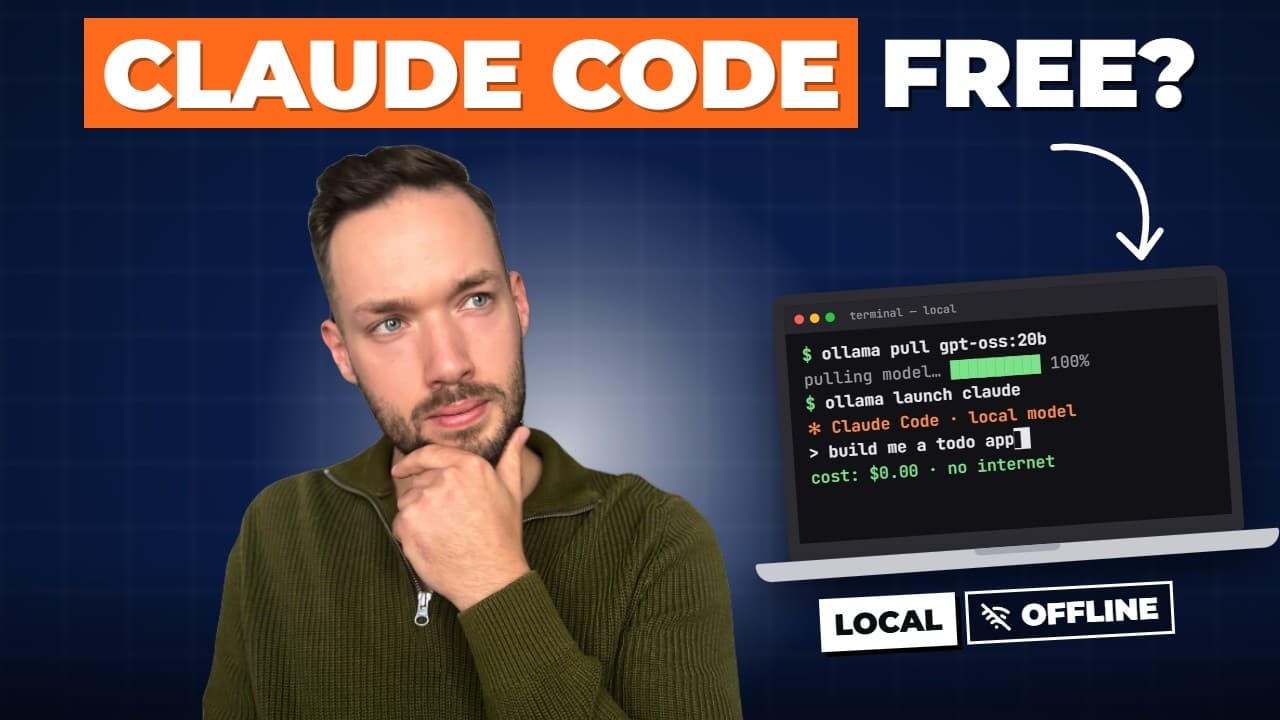
Claude Code can run against a local AI model on your own computer - free, private, and it even works offline. Your code never leaves your machine and there are no tokens to pay for.
🎬 Watch the full video here:
Why this works
Claude Code talks to its model through the Anthropic API, and Ollama speaks that same API. So you point Claude Code at Ollama on your machine instead of the cloud, and that's it: no tokens to pay for, and your code never leaves your computer.
Step 1: Install Ollama
On the ollama.com downloads page there are install commands for the three operating systems. On Windows, copy the command, paste it into PowerShell and run it. Once installed, open the Ollama app - it has three tabs: applications, chat and settings.
Step 2: Pick the right model for your hardware
Know your hardware first. What matters is the VRAM of your GPU, or the unified memory on a Mac. If you have no GPU (or an old Mac), the model falls back to CPU and RAM, which is much slower and will quickly become frustrating.
Match parameters to memory. As a rough guide from the video: with 8 GB of VRAM or unified memory you can usually handle 3-9 billion parameter chat models at Q4; with 16 GB, around 20-27 billion parameters.
Check benchmarks for your exact setup. You can search ollama.com blindly, or use a "can I run AI" style website where you enter your GPU, VRAM and RAM and get benchmarks for local models by use case (coding, image and so on). The useful part is how much of your GPU or unified memory a model uses. If it shows something like 102% of VRAM, the remaining work is offloaded to CPU and RAM, and you'll feel the slowdown. (This isn't a sponsored recommendation - it was just handy for comparing models against your hardware.)
Leave room for context. The VRAM figure in those benchmarks does not include the context, which is how much the model can process and remember during a session. That's a real trade-off: one model may reason better but leave little memory for context, while a smaller one with, say, 69% of VRAM free can run a much larger context. In the video the choice was GPT-OSS with 20 billion parameters with roughly a 32K token context.
Step 3: Download the model
The model's page on ollama.com shows the command. For GPT-OSS 20B:
ollama run gpt-oss:20b
Step 4: Set the context length
Before using it, change the context size. You can set the environment variable yourself, but the easiest way is the UI: open Ollama's Settings, find Context length and set it to 32K, based on what your hardware allows.
Then try the model in Ollama's chat window. Asking it to explain RAG returns an answer almost immediately - a good sign before connecting it to Claude Code.
Step 5: Connect it to Claude Code
First install Claude Code by copying the install command from its documentation. Then launch it through Ollama:
ollama launch claude
Ollama lists a few recommended models, plus the one you downloaded earlier - select GPT-OSS 20B and press Enter. You'll see a notice that the model isn't recognized. That doesn't mean it's broken: it simply isn't an official Claude model, so Claude Code flags the custom one.
Why the context size matters
The video demonstrates the failure mode. When the context is too small, the model can forget what you asked during its thinking phase - ask "what is C#?" and you might get the weather in some city instead. With the context set properly, the same question returns a correct answer about the programming language, with no hallucinated detour.
A real task: generate documentation from a codebase
To test it on real work, open a terminal in the folder of the MCP server project from Build Your First MCP Server in .NET, run ollama launch claude with the same model, and ask it to generate a Markdown documentation file based on the code. The result is a README.md built from the codebase: the database and connection strings, example requests and responses, and the available tools. For a free model running entirely on your own machine, the output is very good.
Key Takeaways
- Claude Code can run against a local model through Ollama (
ollama launch claude) - free, private and offline, because Ollama speaks the Anthropic API. - Pick a model by VRAM or unified memory, and keep headroom for context; set Ollama's context length (32K in the demo) or the model can lose track of your request.